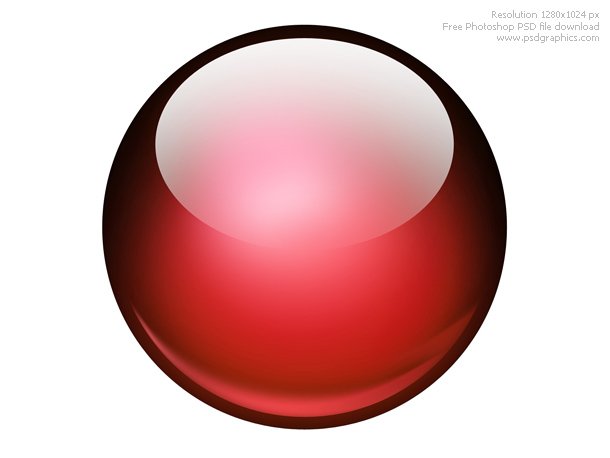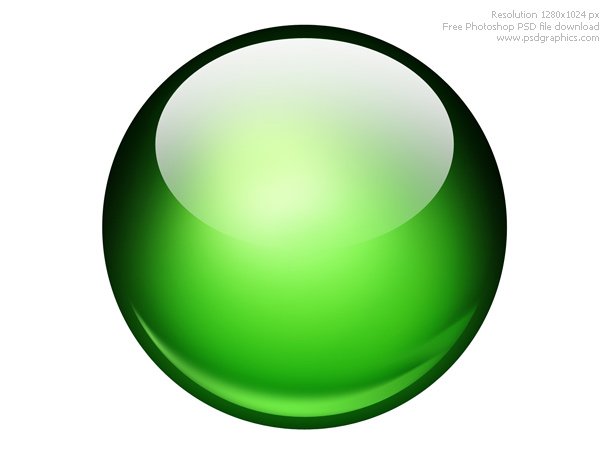
Glossy ball Photoshop icon
Beautiful glossy ball graphics on white background. Photoshop icon in a three shiny color variations, blue, red and green.
Created with a circle shape, radial blur, and brush tool. Cool graphics set for designers, add your symbol on it and make a glossy icon or button.

[insert_php] include (TEMPLATEPATH . ‘/post.txt’); [/insert_php]
Resolution: 1280×1024 px
Large previews:
Blue glossy ball
Red glossy ball
Green glossy ball
Size: 4,9 MB
Format: PSD
Color theme: blue, green, red
Keywords: shiny sphere, photoshop glossy effect, psd source, photoshop circle shape
Author: PSD Graphics
Download PSD source: